
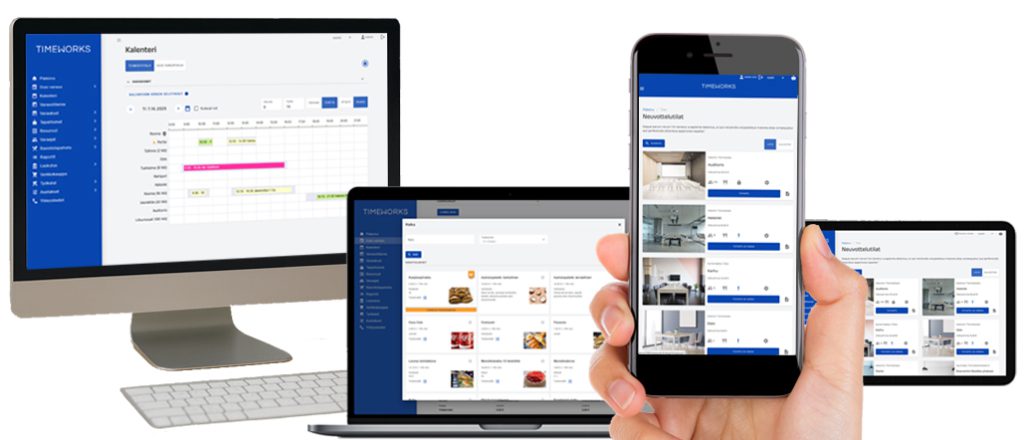
Combine room bookings with services
- Book through a calendar, search, map, Outlook or a conversation with the AI assistant
- Add catering, visitors and required equipment to your booking
- Define room-specific terms, permissions and approvals
- Manage recurring bookings and divisible or combinable spaces
All your meeting services in one booking
Add the meeting room, catering, equipment and visitor notifications to the same booking. The restaurant receives catering orders and reception receives visitor details in their own views. Confirmations and reminders keep the person making the booking informed.
Explore booking communicationsManage private and shared spaces
Different organizations and tenants can use their own spaces and share communal spaces under controlled rules. People making bookings, reception, restaurants and administrators have views and permissions suited to their tasks.
Explore organizations and permissionsMultiple rooms and services in one solution
A combined booking can include multiple rooms and the services they require. Alongside individual bookings, Timeworks supports recurring bookings and the management of divisible and combinable spaces.
Pricing and itemized invoicing
Pricing for spaces and services can be governed by customer-specific price lists and agreed terms of use. You can also manage limited free use and produce the itemized data needed for invoicing.
Visibility into utilization and services delivered
Monitor room utilization and actual catering, bookings and invoicing. Reports support space planning and the development of service processes.
Explore reportingMake unused spaces available again
A check-in confirmation on a room display or a sensor connection can release an unused booking after an agreed time limit. The room then becomes available for others to book. The function is selected according to the display or sensor solution in use.
Explore room display functionsBook through a conversation with the AI assistant
Tell the assistant what kind of meeting you want to arrange. For example, you can request a room for six people tomorrow with coffee service.
Explore the AI assistant