Make informed decisions
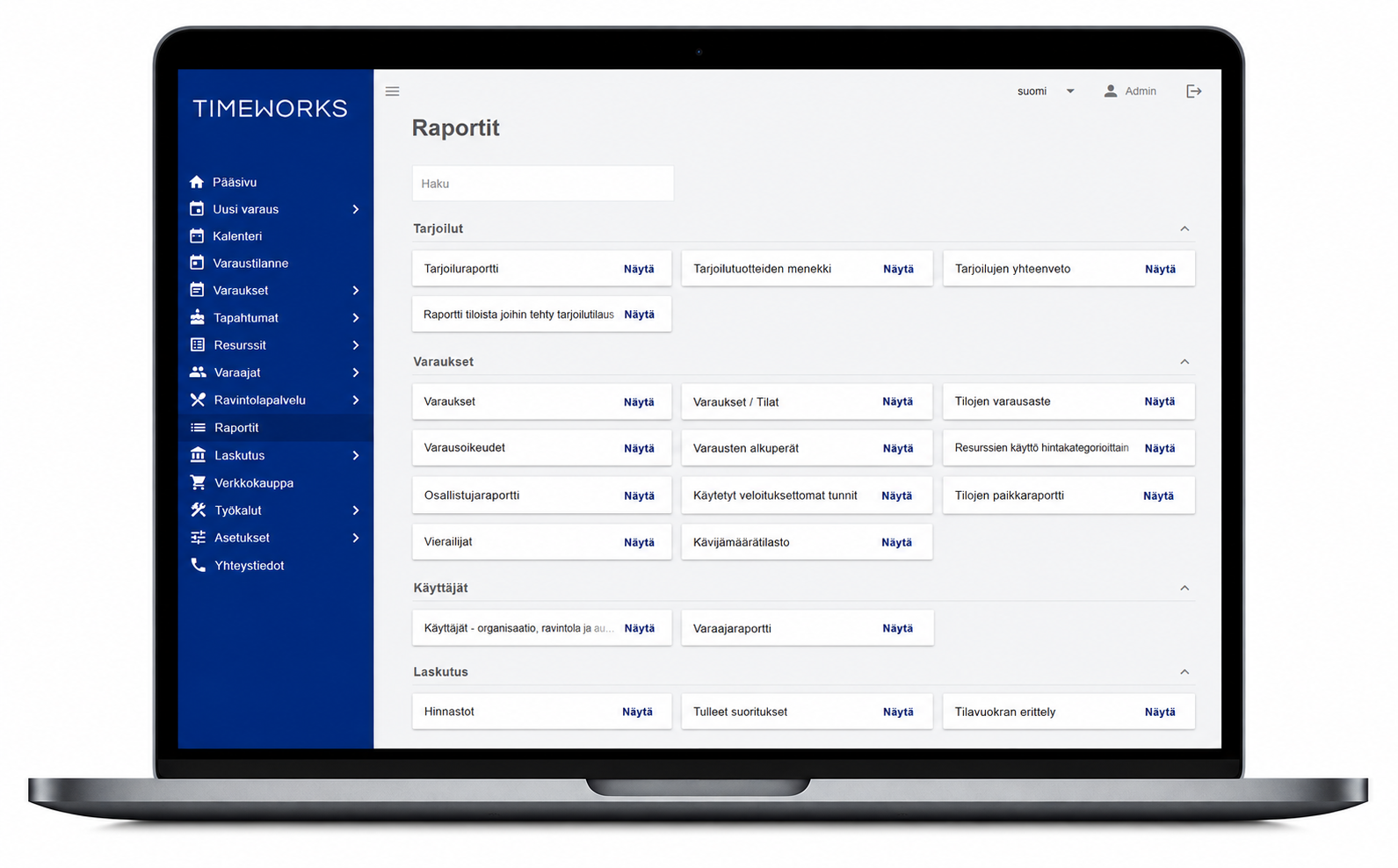
- Ready-made reports based on permission level
- Room booking rate and utilization reports
- Invoicing data and services delivered
- HTML, Excel and CSV exports
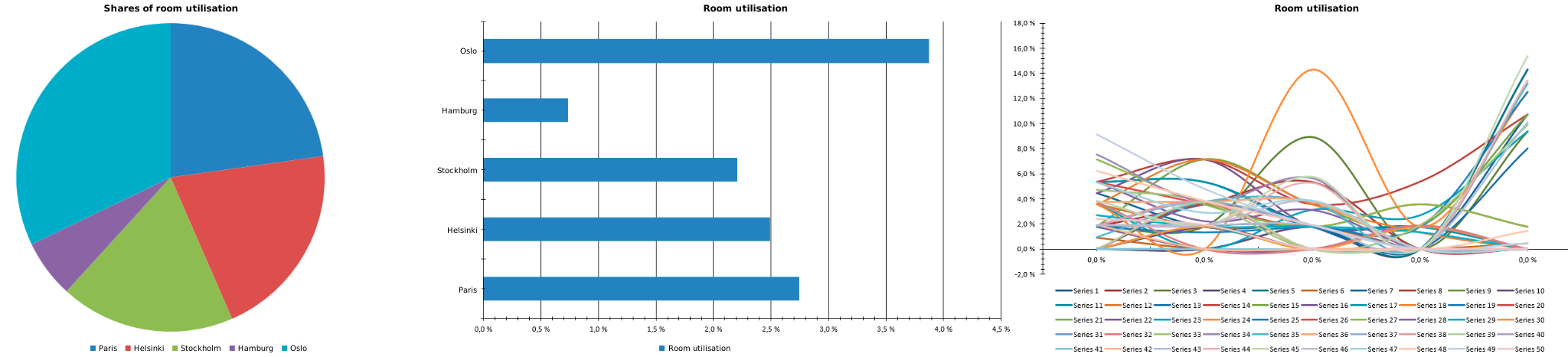
- Ready-made charts in the Excel export of the room booking rate report
- Saved search criteria for recurring monitoring
- Customer-specific reports based on available data
Filter your report to suit your needs
Select the period and times to review, and filter spaces by building, floor or room type, for example. Booking rates can be broken down by weekday and hour. Saving search criteria makes it easier to regularly monitor the same spaces.
Ready-made charts in Excel exports
The Excel export of the room booking rate report includes report data and ready-made charts based on the selected search criteria. Charts help compare room booking rates, while viewing them over time reveals busy and quiet periods.